

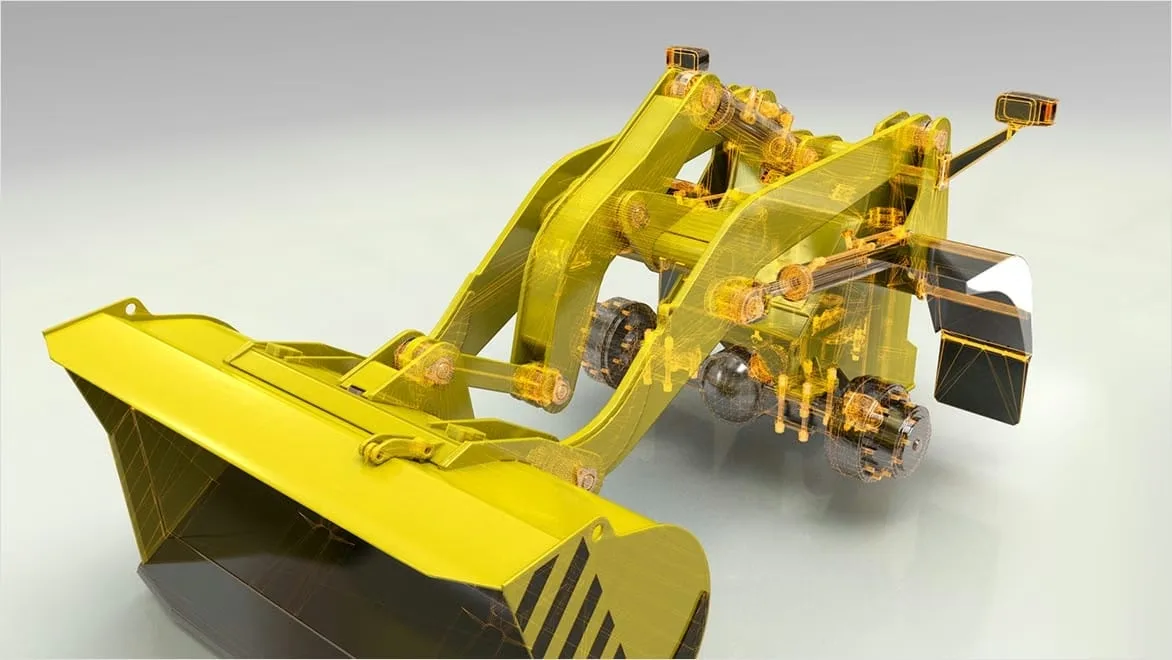
Autodesk PDMC Collection 2024/2025/2026/2027 for Windows
License Type
Your PDMC (Product Design & Manufacturing Collection) license includes full access to all features and will be issued directly to your Autodesk account.
Please ensure that you use the same email address during checkout as the one linked to your Autodesk account, as the license will be assigned to that email. If you don’t already have an Autodesk account, you can create one here: Autodesk Account Signup.
Licenses are typically activated within an hour, but please allow up to 12 hours.
All licenses are eligible for support directly from Autodesk. Additionally, GetRenewedTech offers helpdesk assistance (found under 'Support' in the site header) for installation issues.
Autodesk PDMC Collection 2025 for Windows
Note: This 2025 licence also grants access to the 2024, 2025, 2026 and 2027 releases — every supported version.
License Type
Your PDMC (Product Design & Manufacturing Collection) license includes full access to all features and will be issued directly to your Autodesk account.
Please ensure that you use the same email address during checkout as the one linked to your Autodesk account, as the license will be assigned to that email. If you don’t already have an Autodesk account, you can create one here: Autodesk Account Signup.
Licenses are typically activated within an hour, but please allow up to 12 hours.
All licenses are eligible for support directly from Autodesk. Additionally, GetRenewedTech offers helpdesk assistance (found under ‘Support’ in the site header) for installation issues.
Autodesk PDMC Collection 2026 for Windows
Note: This 2026 licence also grants access to the 2024, 2025, 2026 and 2027 releases — every supported version.
License Type
Your PDMC (Product Design & Manufacturing Collection) license includes full access to all features and will be issued directly to your Autodesk account.
Please ensure that you use the same email address during checkout as the one linked to your Autodesk account, as the license will be assigned to that email. If you don’t already have an Autodesk account, you can create one here: Autodesk Account Signup.
Licenses are typically activated within an hour, but please allow up to 12 hours.
All licenses are eligible for support directly from Autodesk. Additionally, GetRenewedTech offers helpdesk assistance (found under ‘Support’ in the site header) for installation issues.
Autodesk PDMC Collection 2027 for Windows
Note: This 2027 licence also grants access to the 2024, 2025, 2026 and 2027 releases — every supported version.
License Type
Your PDMC (Product Design & Manufacturing Collection) license includes full access to all features and will be issued directly to your Autodesk account.
Please ensure that you use the same email address during checkout as the one linked to your Autodesk account, as the license will be assigned to that email. If you don’t already have an Autodesk account, you can create one here: Autodesk Account Signup.
Licenses are typically activated within an hour, but please allow up to 12 hours.
All licenses are eligible for support directly from Autodesk. Additionally, GetRenewedTech offers helpdesk assistance (found under ‘Support’ in the site header) for installation issues.
Autodesk Point Layout 2024 for Windows
Note: This 2024 licence also grants access to the 2024, 2025, 2026 and 2027 releases — every supported version.
License Type
Your Point Layout license includes full access to all features and will be issued directly to your Autodesk account.
Please ensure that the email used during checkout matches the one associated with your Autodesk account, as the license will be assigned to that address. If you don’t currently have an Autodesk account, you can create one here: Autodesk Account Signup.
Licenses are typically activated within one hour, but may take up to 12 hours.
Autodesk Point Layout 2024/2025/2026/2027 for Windows
License Type
Your Point Layout license includes full access to all features and will be issued directly to your Autodesk account.
Please ensure that the email used during checkout matches the one associated with your Autodesk account, as the license will be assigned to that address. If you don’t currently have an Autodesk account, you can create one here: Autodesk Account Signup.
Licenses are typically activated within one hour, but may take up to 12 hours.
Autodesk Point Layout 2025 for Windows
Note: This 2025 licence also grants access to the 2024, 2025, 2026 and 2027 releases — every supported version.
License Type
Your Point Layout license includes full access to all features and will be issued directly to your Autodesk account.
Please ensure that the email used during checkout matches the one associated with your Autodesk account, as the license will be assigned to that address. If you don’t currently have an Autodesk account, you can create one here: Autodesk Account Signup.
Licenses are typically activated within one hour, but may take up to 12 hours.
Autodesk Point Layout 2026 for Windows
Note: This 2026 licence also grants access to the 2024, 2025, 2026 and 2027 releases — every supported version.
License Type
Your Point Layout license includes full access to all features and will be issued directly to your Autodesk account.
Please ensure that the email used during checkout matches the one associated with your Autodesk account, as the license will be assigned to that address. If you don’t currently have an Autodesk account, you can create one here: Autodesk Account Signup.
Licenses are typically activated within one hour, but may take up to 12 hours.
Autodesk Point Layout 2027 for Windows
Note: This 2027 licence also grants access to the 2024, 2025, 2026 and 2027 releases — every supported version.
License Type
Your Point Layout license includes full access to all features and will be issued directly to your Autodesk account.
Please ensure that the email used during checkout matches the one associated with your Autodesk account, as the license will be assigned to that address. If you don’t currently have an Autodesk account, you can create one here: Autodesk Account Signup.
Licenses are typically activated within one hour, but may take up to 12 hours.
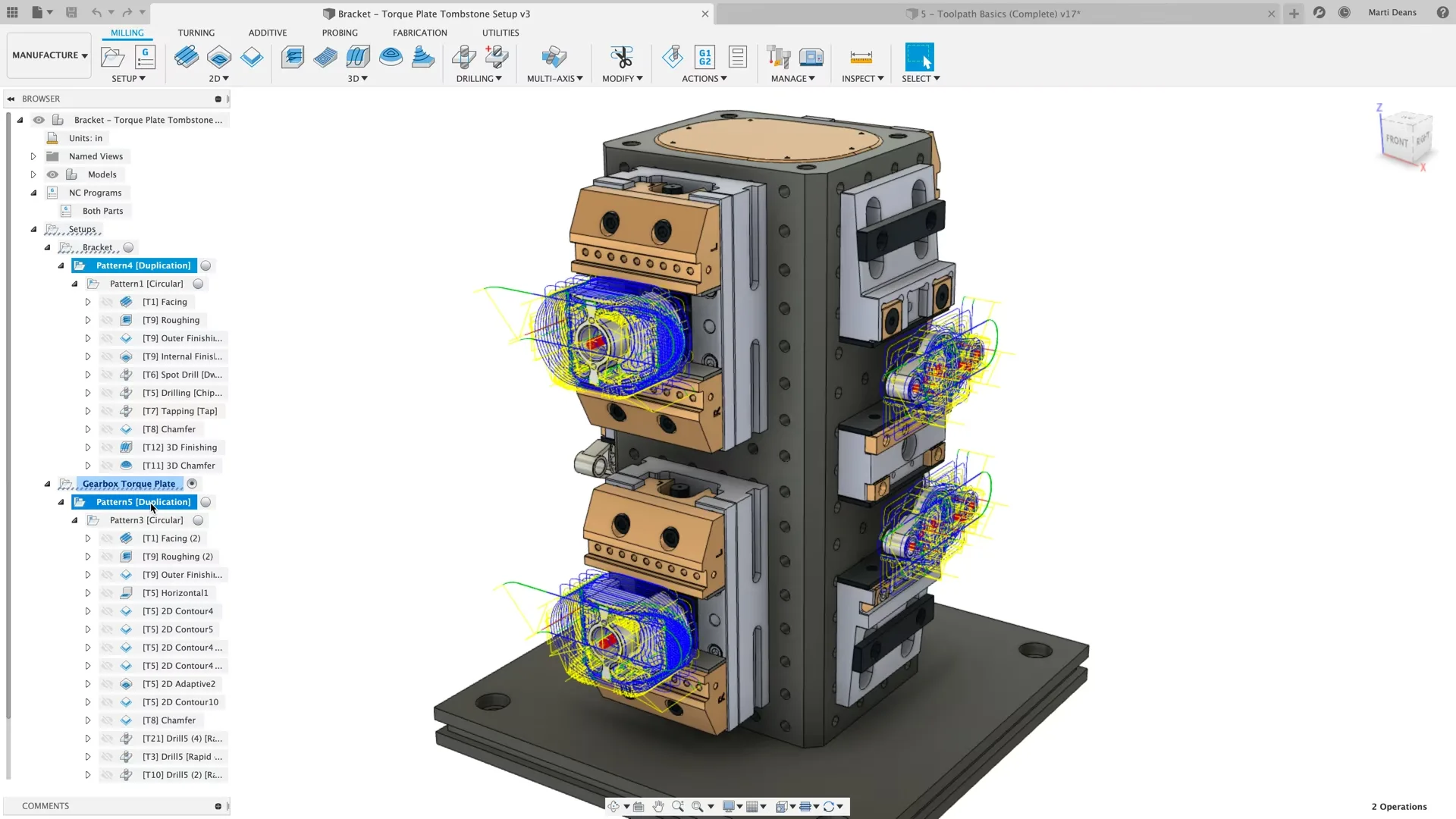
Autodesk PowerInspect Ultimate 2024 for Windows
Note: This 2024 licence also grants access to the 2024, 2025, 2026 and 2027 releases — every supported version.
License Type
Your PowerInspect Ultimate license includes full access to all features and will be issued directly to your Autodesk account.
Please ensure that the email used during checkout matches the one associated with your Autodesk account, as the license will be assigned to that address. If you don’t currently have an Autodesk account, you can create one here: Autodesk Account Signup.
All licenses are eligible for direct support from Autodesk. GetRenewedTech also offers installation assistance via our helpdesk (found under ‘Support’ in the site header).
Autodesk PowerInspect Ultimate 2024/2025/2026/2027 for Windows
License Type
Your PowerInspect Ultimate license includes full access to all features and will be issued directly to your Autodesk account.
Please ensure that the email used during checkout matches the one associated with your Autodesk account, as the license will be assigned to that address. If you don't currently have an Autodesk account, you can create one here: Autodesk Account Signup.
All licenses are eligible for direct support from Autodesk. GetRenewedTech also offers installation assistance via our helpdesk (found under 'Support' in the site header).
Autodesk PowerInspect Ultimate 2025 for Windows
Note: This 2025 licence also grants access to the 2024, 2025, 2026 and 2027 releases — every supported version.
License Type
Your PowerInspect Ultimate license includes full access to all features and will be issued directly to your Autodesk account.
Please ensure that the email used during checkout matches the one associated with your Autodesk account, as the license will be assigned to that address. If you don’t currently have an Autodesk account, you can create one here: Autodesk Account Signup.
All licenses are eligible for direct support from Autodesk. GetRenewedTech also offers installation assistance via our helpdesk (found under ‘Support’ in the site header).